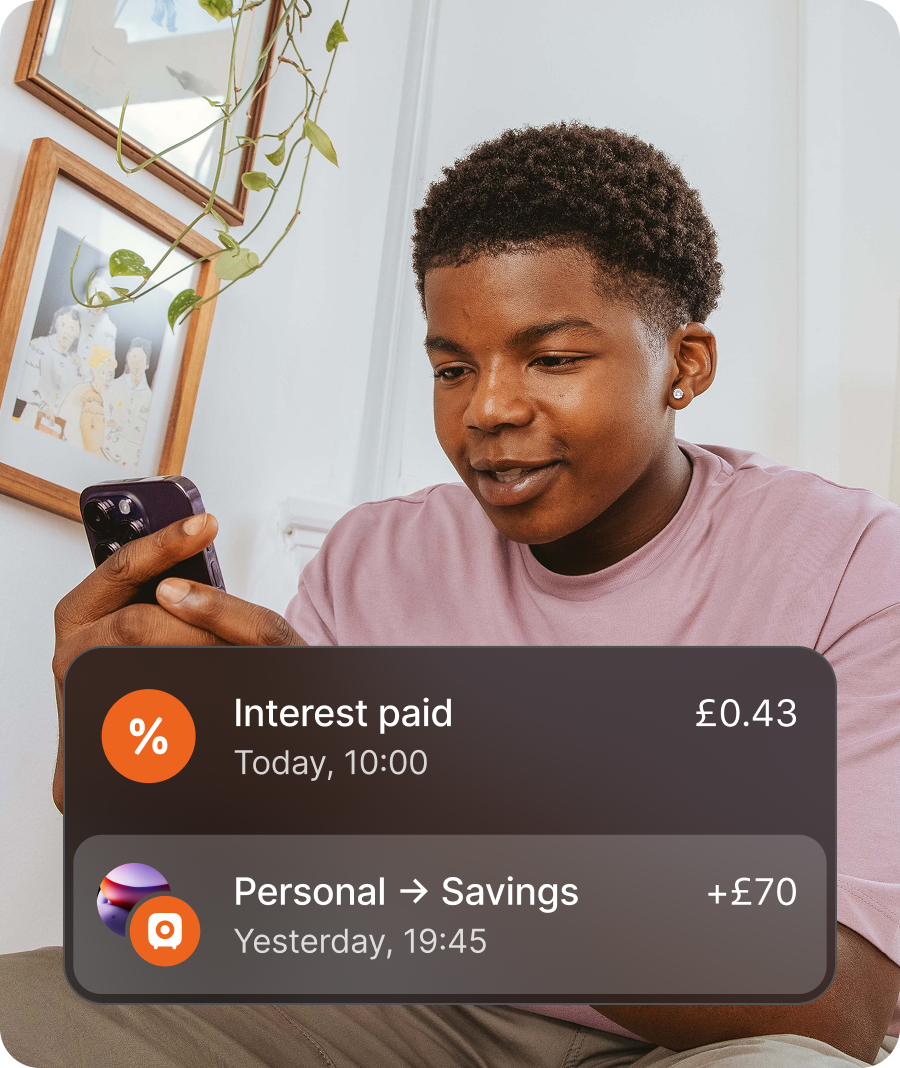
1. Download
Install ONEO and open Kids & Teens. Children under 13 start from the parent profile.
Home / Kids & Teens / Getting started
Getting started
Download → get approved → and go. From your ONEO Personal app: invite a child, set an allowance, order a card — then coach, not chase cash.
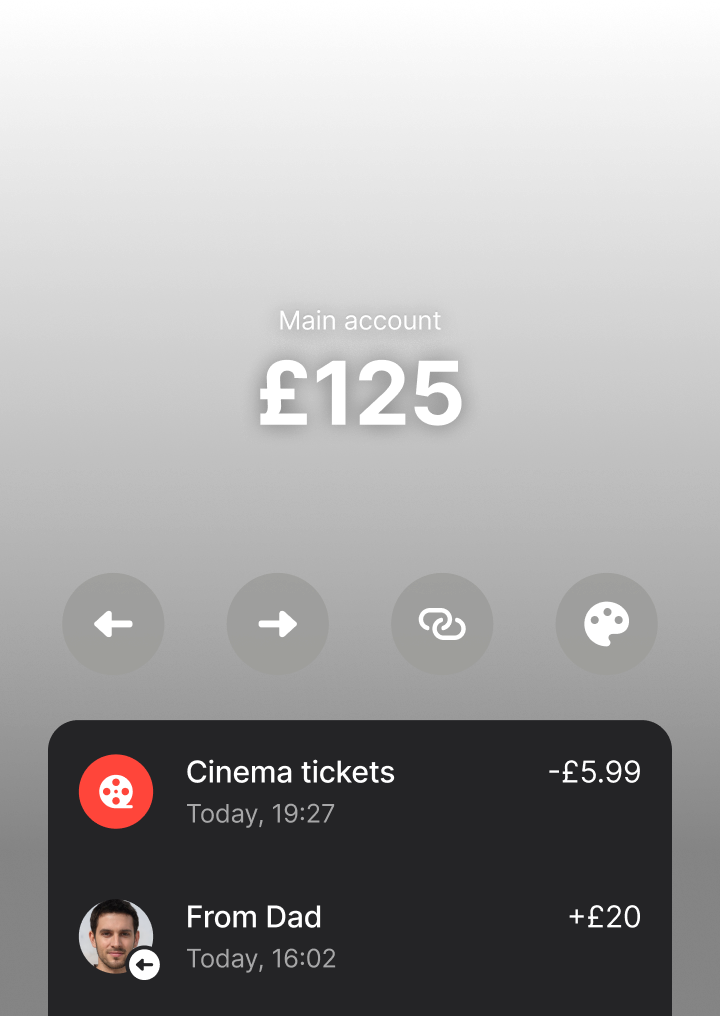
All it takes is a few minutes — under 13, parents create the account from their ONEO app.
Install ONEO and open Kids & Teens. Children under 13 start from the parent profile.
Parents approve the invite from ONEO Personal. No parent account yet? Create one first.
Parents →
Order the Kids card, create a virtual card, set allowance, and personalise.
Kids card →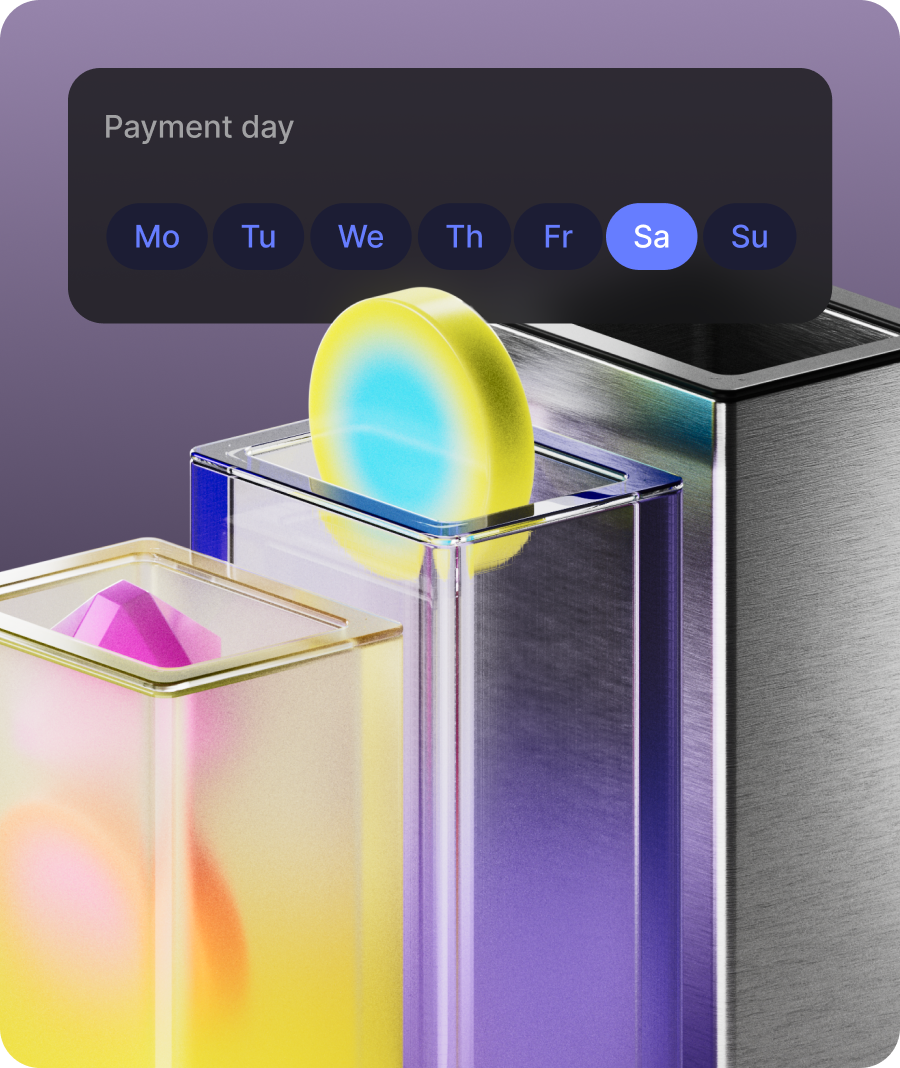
Next
Schedule an allowance, set merchant filters, and share a payment link for birthday money. Pair savings pots if you want interest to teach growth.


Corridors
Whether you bank from Switzerland HQ, travel from the US, or keep Swiss ties for work — onboarding stays in one ONEO app.

Getting started
ONEO Getting Started is built for family onboarding — onboarding, everyday use, controls and disclosures for this product, not a reused template from another page.
Controls, fees and eligibility stay visible in the ONEO app for this product.
Everyday
Built for repeat use — not only onboarding day. History, alerts and help stay next to the action.
Feature flags still depend on country and verification.
Answers written for this product.
ONEO Kids
Cards, allowances and limits that grow with age bands.